

Comment définir un motif de perforation personnalisé pour un plafond commercial
9 juin 2026
-2 min lire
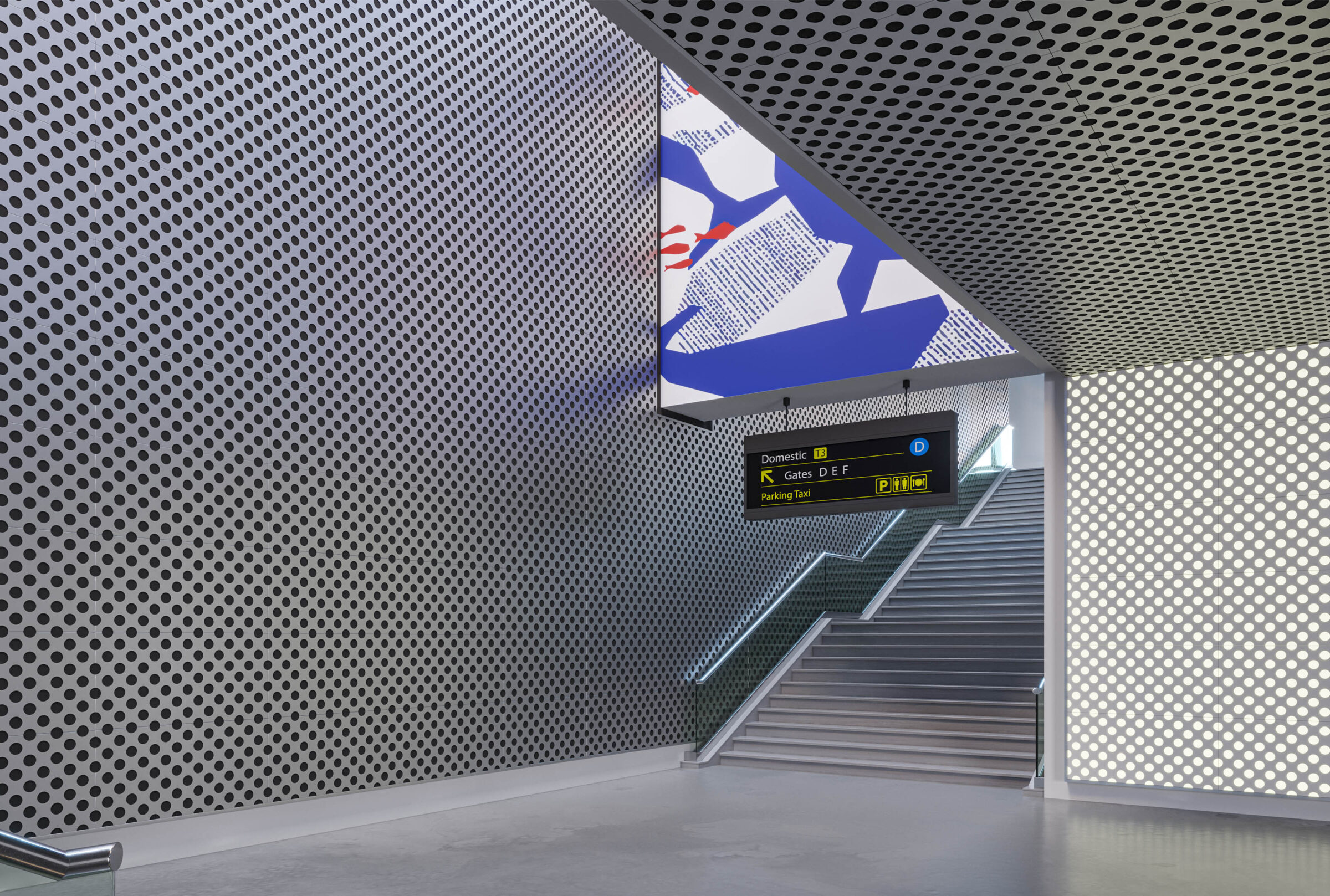
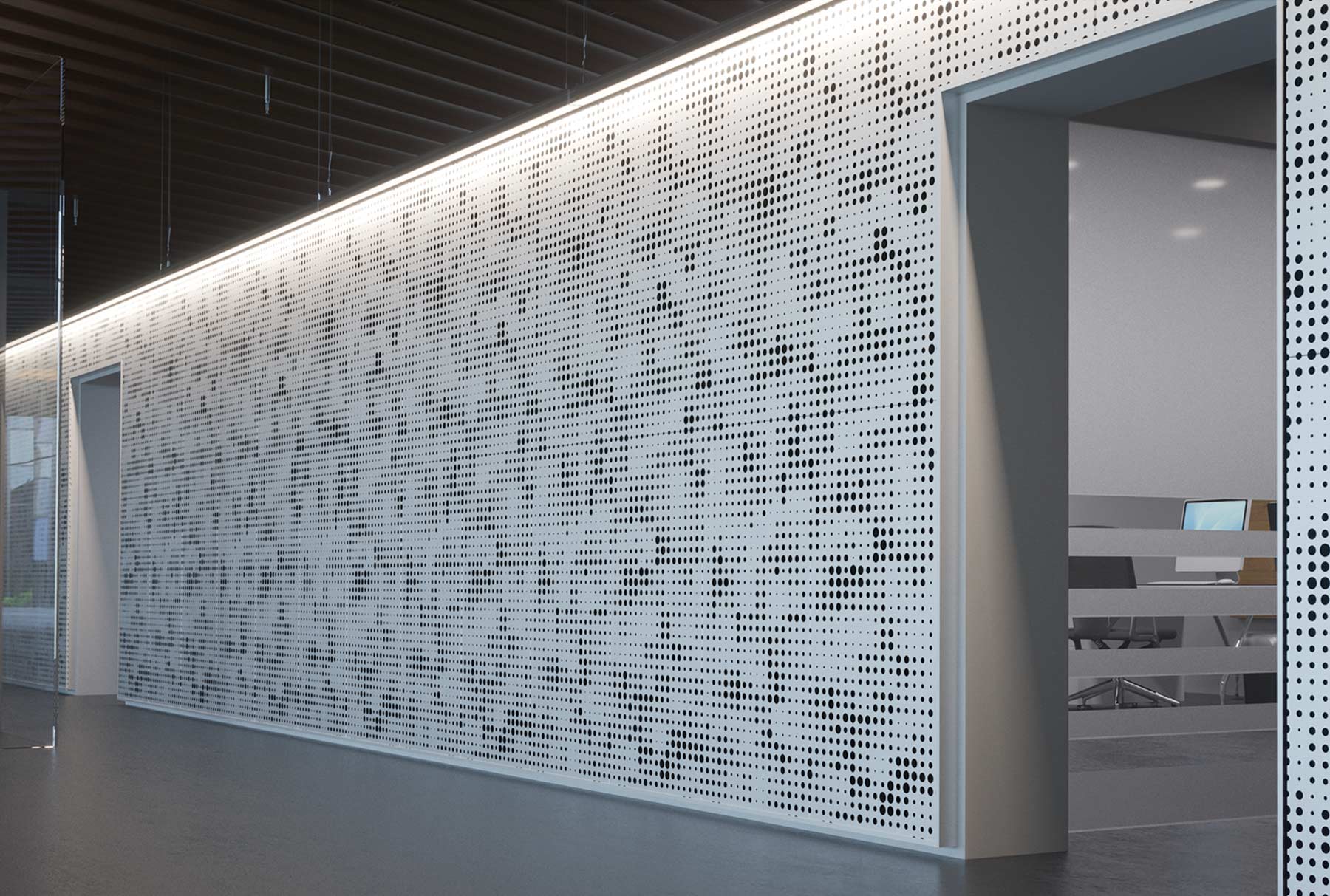
La définition d'un motif de perforation personnalisé pour un projet de plafond commercial implique davantage de choix que le simple choix d'une dalle de plafond standard. La géométrie du motif, la densité, la taille des trous, la couleur, les performances acoustiques et la compatibilité avec l'ossature doivent toutes être validées avant que les panneaux ne soient fabriqués. Ce guide passe en revue chaque choix dans l'ordre et explique comment procéder. VEIL Studio, notre outil de conception en ligne, permet de définir l'ensemble des spécifications en une seule session.
Étape 1 : Définir l'intention visuelle
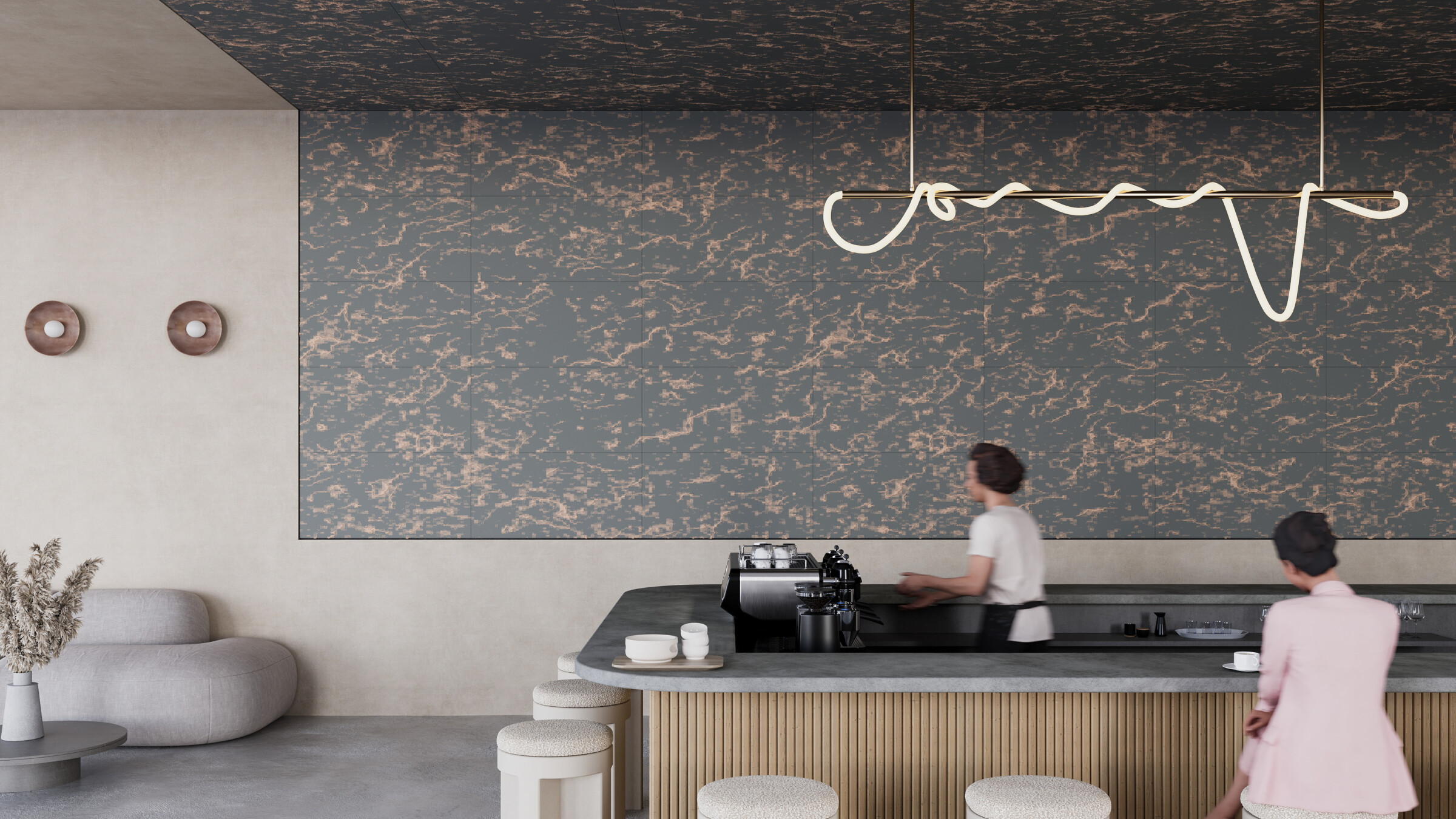
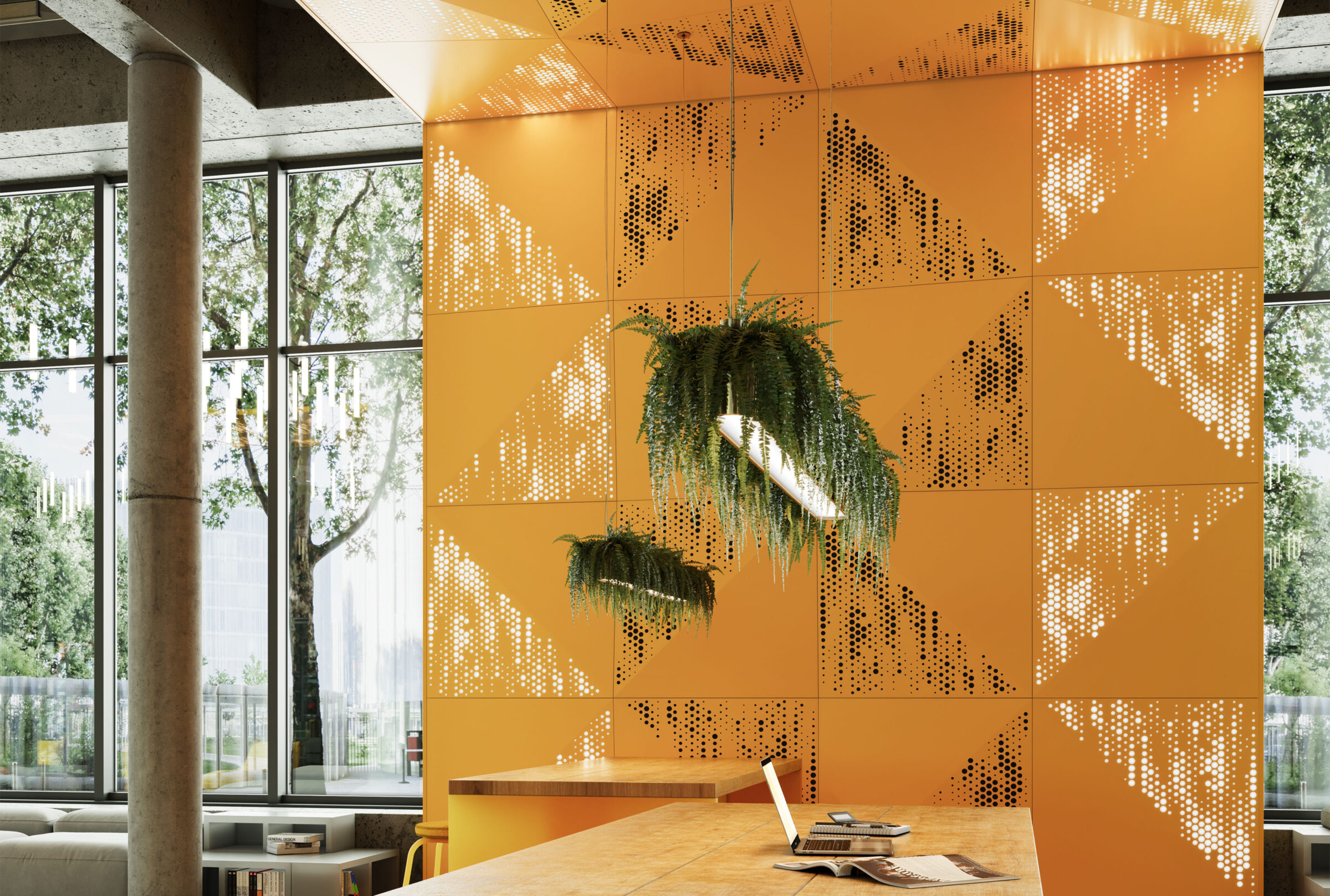
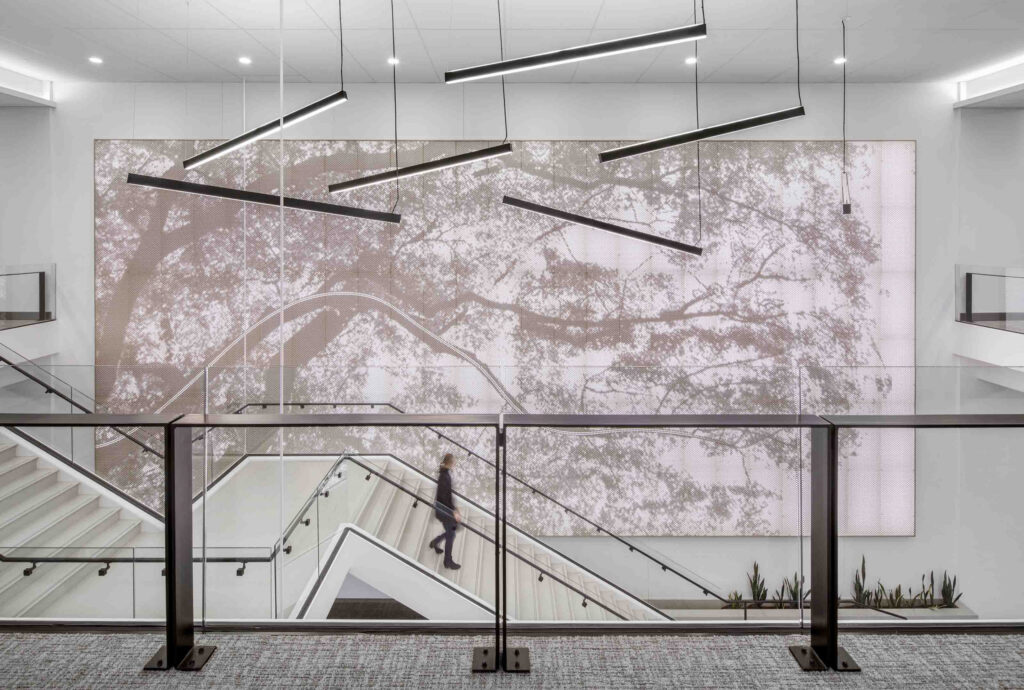
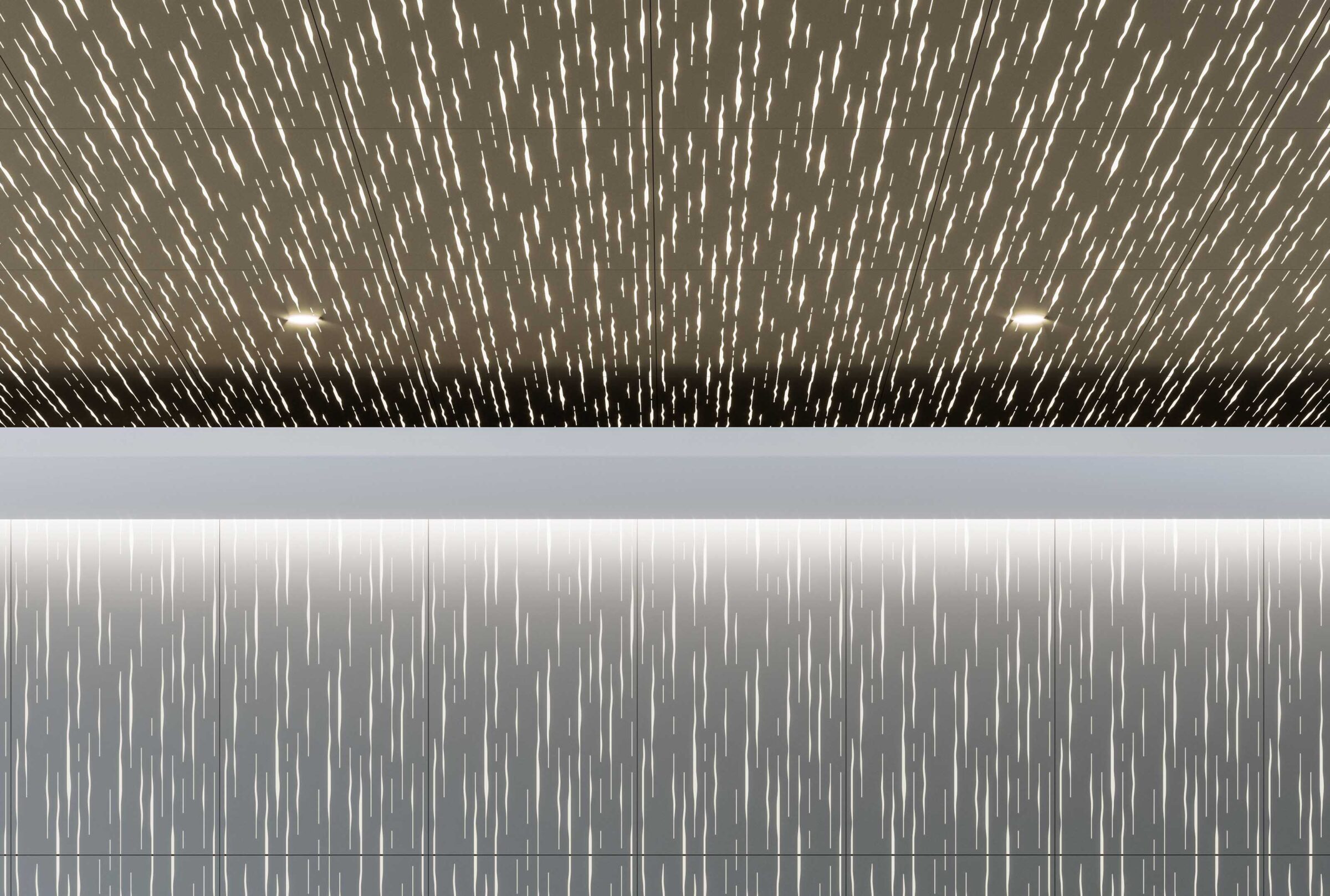
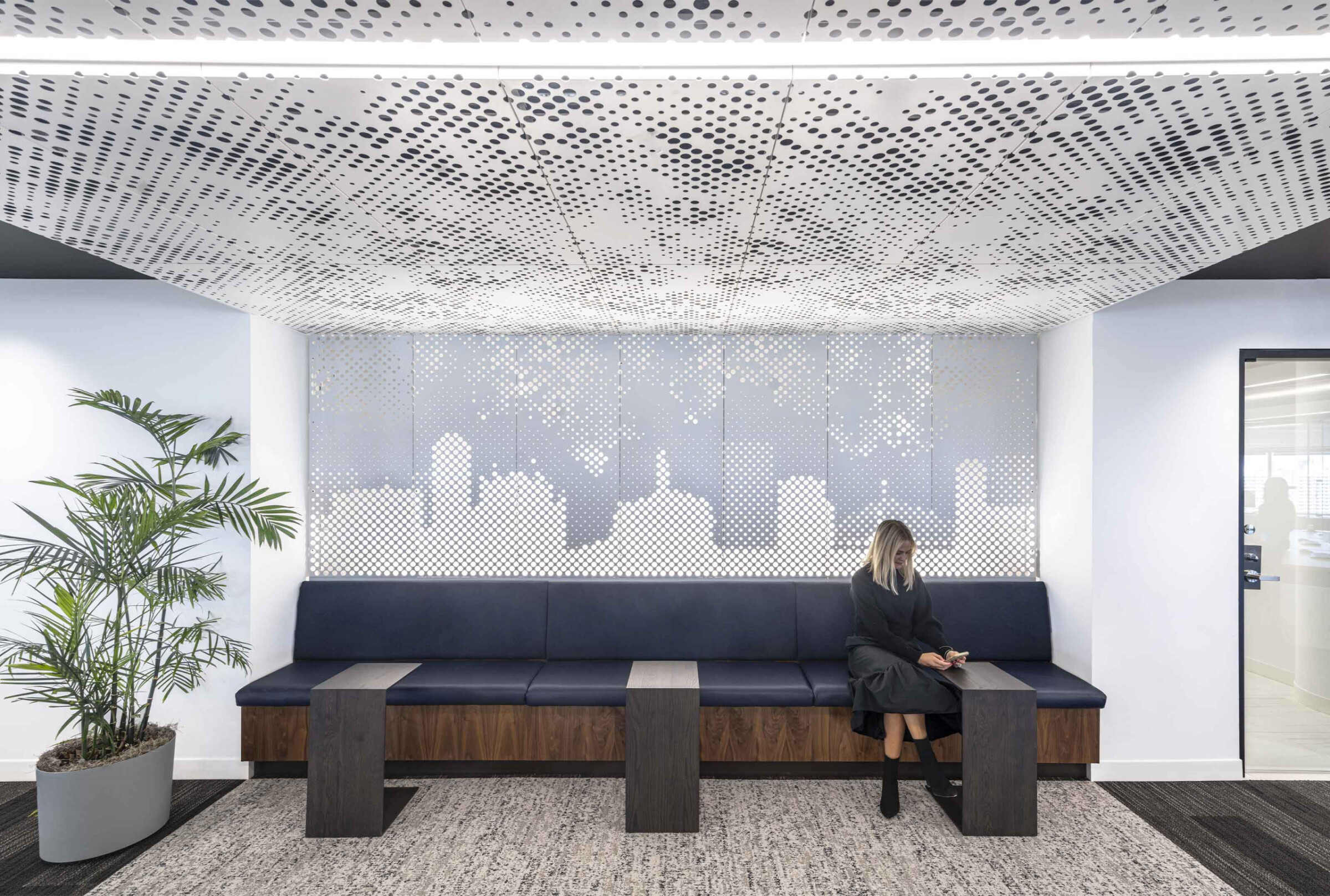
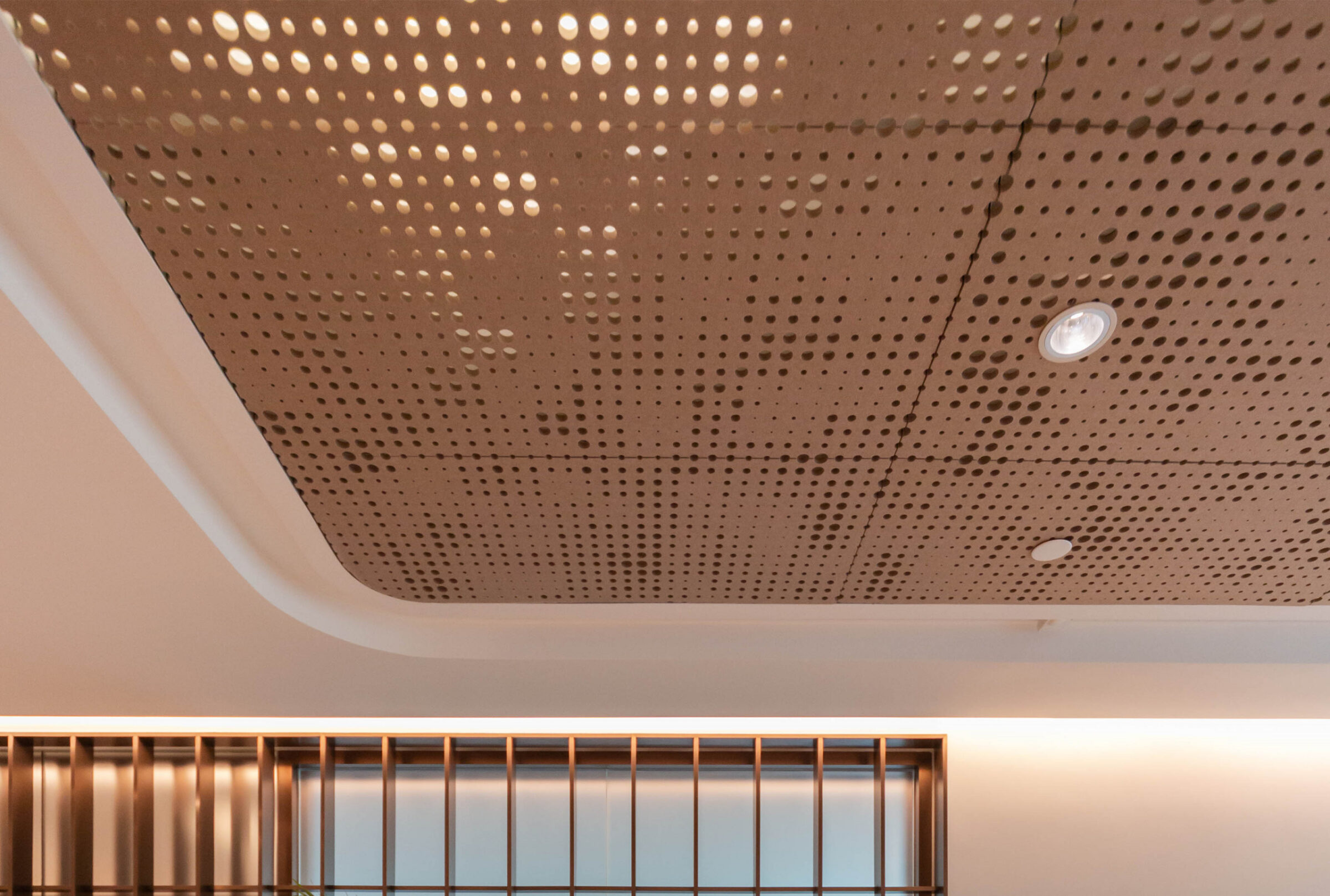
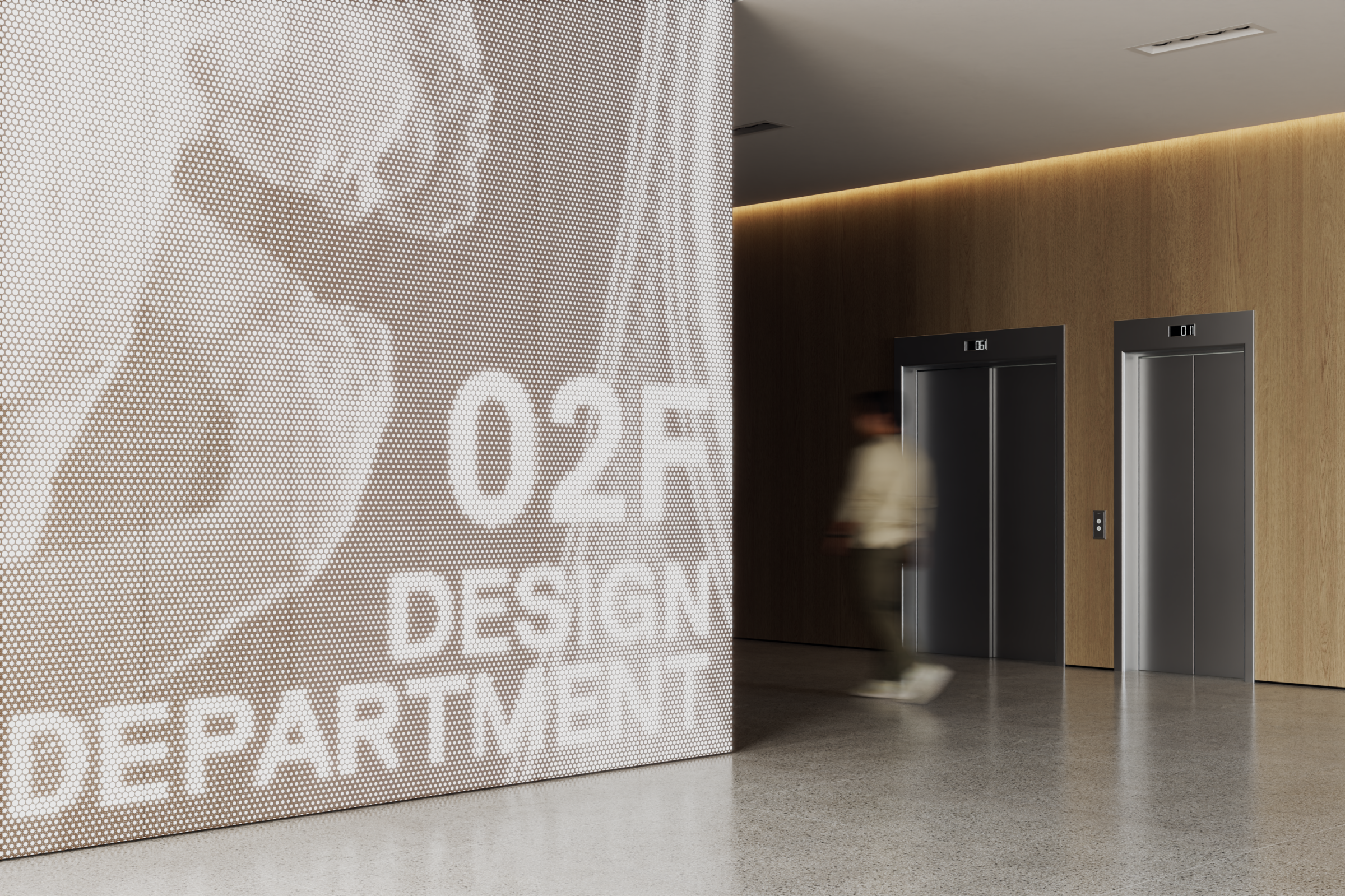
Avant l'ouverture VEIL Studio, précisez quel rôle le motif de perforation doit jouer sur le plan visuel. S'agit-il d'une texture d'arrière-plan — régulière, discrète, à peine perceptible ? S'agit-il d'un élément graphique marquant — une image, un logo, un dégradé ? L'aspect acoustique est-il prioritaire, l'aspect visuel étant secondaire par rapport aux performances NRC ?
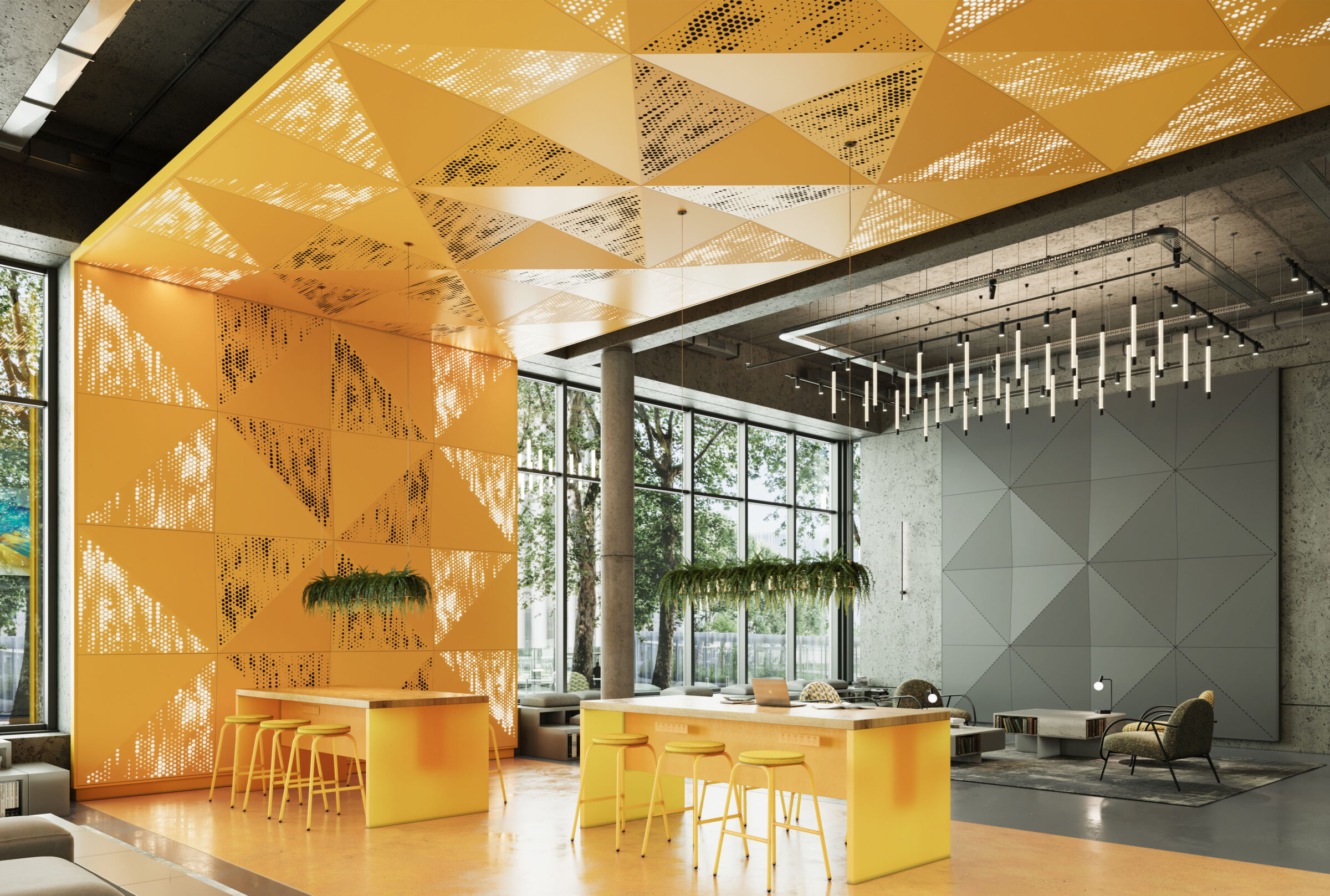
VEIL Studio prend en charge ces trois approches : des motifs paramétriques classiques pour les applications d'arrière-plan, des perforations inspirées d'images pour créer des effets graphiques, et des configurations à densité optimisée pour les spécifications axées sur l'acoustique.
Étape 2 : Définir les paramètres du motif
Dans VEIL Studio : choisissez n'importe quelle teinte RAL parmi la gamme complète RAL K5 (la teinte par défaut est le gris anthracite 7016 semi-mat). Réglez ensuite : la fréquence, le mixage, la hauteur, la taille des perforations, les positions des attracteurs et la compression. Chaque paramètre est réglable en temps réel — l'aperçu s'actualise au fur et à mesure.
Pour les motifs basés sur des images : glissez-déposez le fichier image et VEIL Studio la convertit en carte de perforation. Réglez les paramètres d'interprétation pour contrôler le niveau de fidélité avec lequel l'image s'affiche sur le panneau.
Étape 3 : Ajouter des options acoustiques ou rétroéclairées
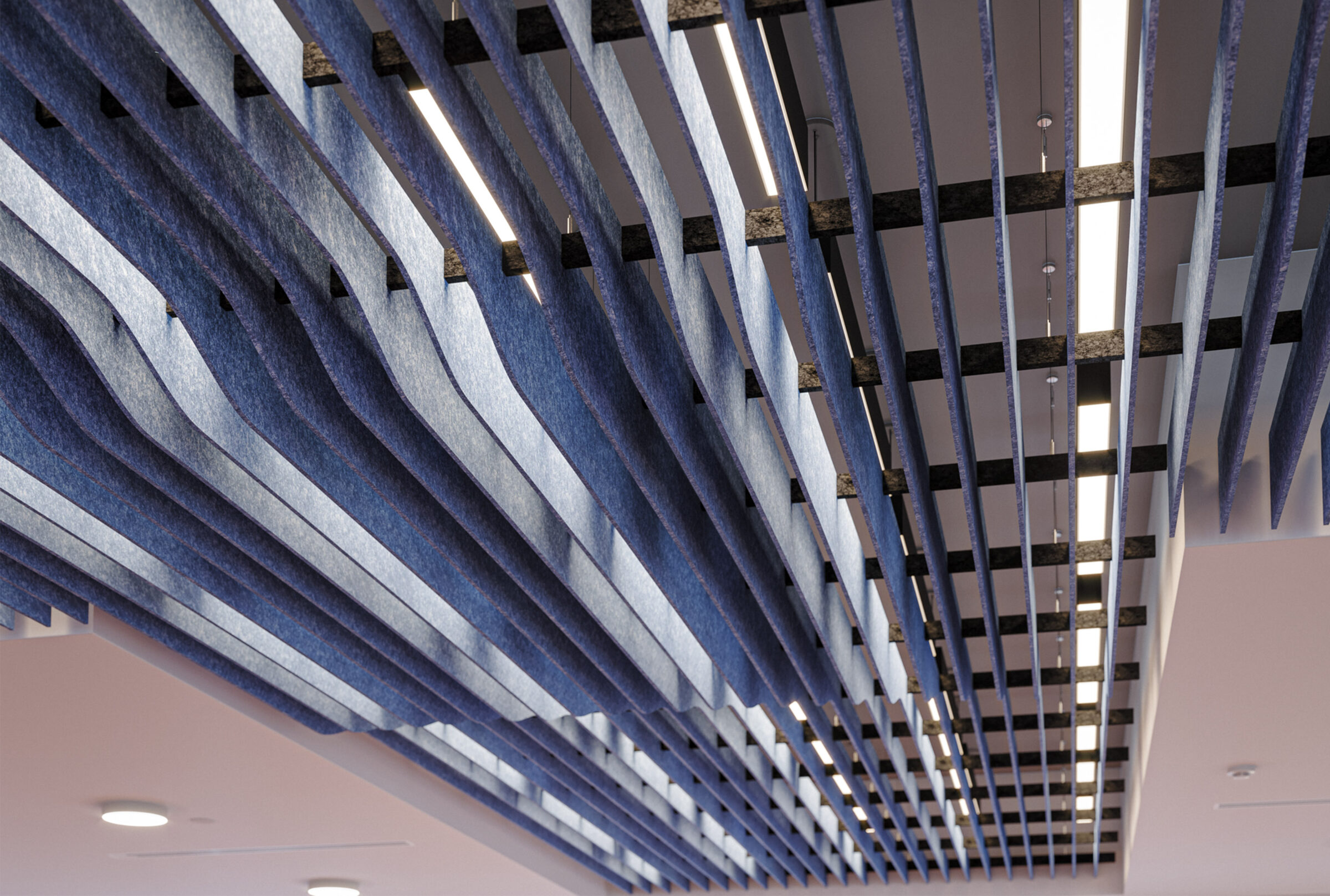
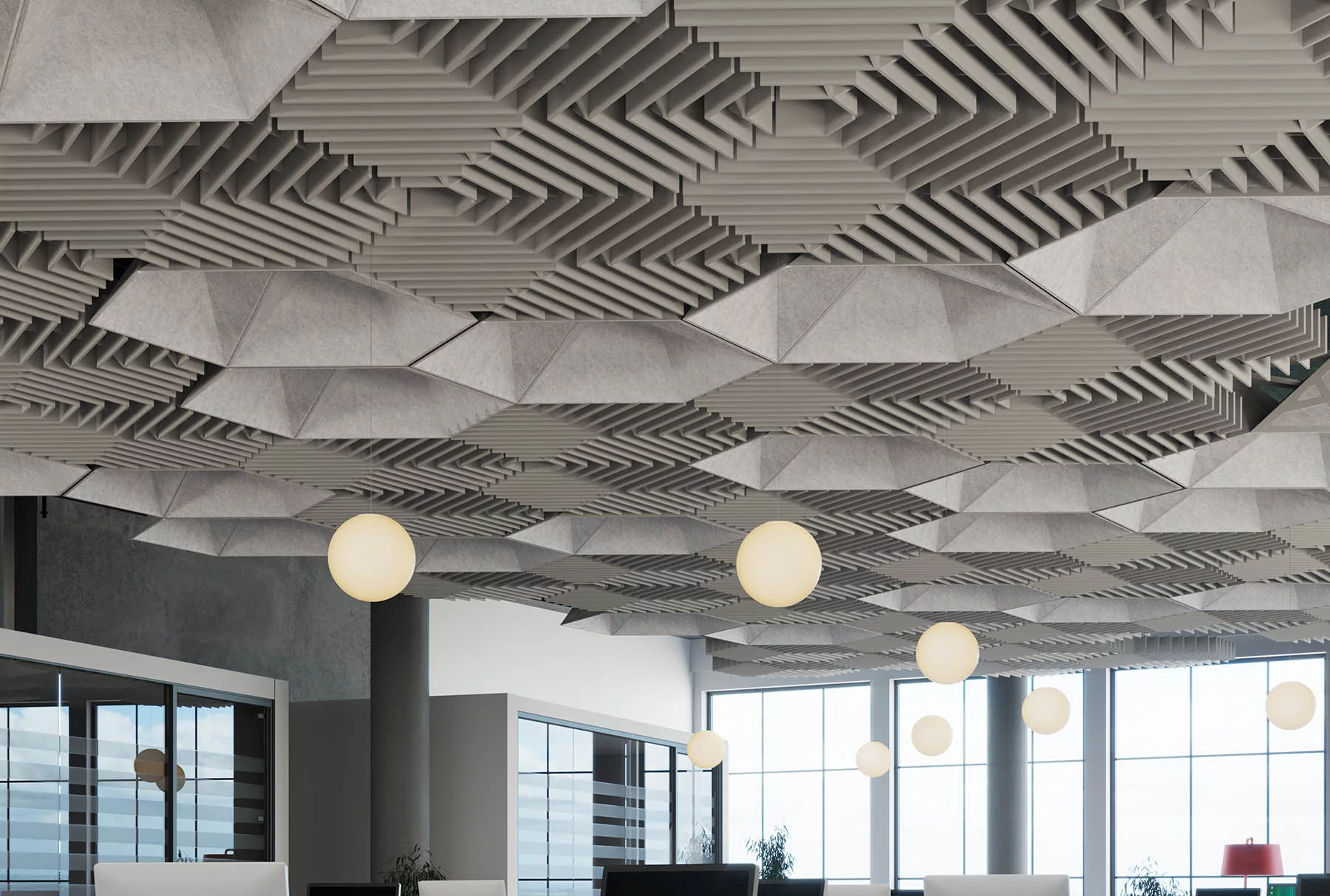
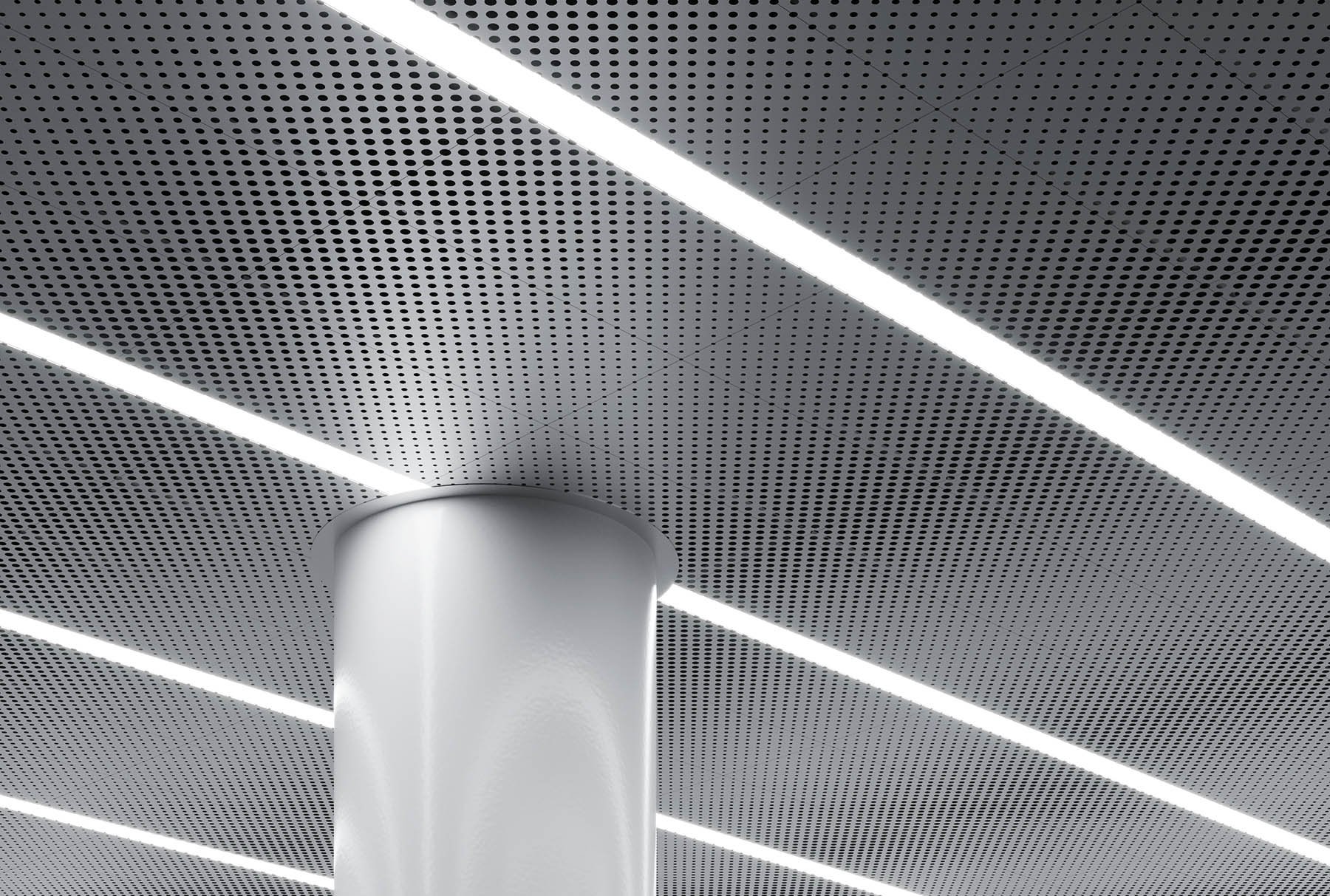
Le support acoustique (aSOFT™, disponible en version « face » ou « dos ») doit être spécifié lors de la phase de conception, et non après. Si l'espace est soumis à des exigences en matière de performances acoustiques, spécifiez le support avant de générer le fichier DXF. Il en va de même pour le rétroéclairage intégré : sélectionnez la puissance de sortie (25 W, 45 W ou 65 W) et la température de couleur (2 700 K à 6 000 K) dans VEIL Studio. Ces deux options sont intégrées au panneau dès sa fabrication.
Étape 4 : Générer le fichier DXF et établir le devis
Une fois la conception validée, VEIL Studio génère en un seul clic un fichier DXF prêt pour la production et un devis. Le fichier DXF est directement transmis à la découpeuse laser. Aucune étape intermédiaire de dessin. Aucun cycle de révision.
Chaque panneau est en acier découpé au laser et revêtu d'une peinture en poudre selon la référence RAL spécifiée. Le format des panneaux est de 596 × 1196 mm — conçu pour s'intégrer dans n'importe quelle ossature de plafond standard de 600 × 1 200 mm (système métrique) ou de 2’ × 4′ (système impérial). Aucune modification sur site n'est nécessaire. Conçu en quelques minutes. Fabriqué en quelques jours. Expédié en quelques semaines. C'est dans notre usine que se déroule le gros du travail. La partie la plus simple, c'est la vôtre.